Support Chip List:
51 Series:
At89S51?At89S52??At89S53?At89S8252
Avr Series:
Attiny12(L)?Attiny13(V)?Attiny15(L)?Attiny24(V)?Attiny25(V)?Attiny26(L)? Attiny2313(V)?Attiny44(V)?Attiny45(V)?Attiny84(V)?Attiny85(V)?At90S2313(L)? At90S2323(L)?At90S2343(L)?At90S1200(L)?At90S8515(L)?At90S8535(L)? Atmega48(V)?Atmega8(L)?Atmega88(V)?Atmega8515(L)?Atmega8535(L)? Atmega16(L)?Atmega162(V)?Atmega163(L)?Atmega164(V)?Atmega165(V)?Atmega168(V)?Atmega169(V)?Atmega169P(V)?Atmega32(L)?Atmega324(V)? Atmega325(V)?Atmega3250(V)?Atmega329(V)?Atmega3290(V)?Atmega64(L)? Atmega640(V)?Atmega644(V)?Atmega645(V)?Atmega6450(V)?Atmega649(V)? Atmega6490(V)?Atmega128(L)?Atmega1280(V)?Atmega1281(V)? Atmega2560(V)?Atmega2561(V)?At90Can32?At90Can64?At90Can128?At90Pwm2(B)?At90Pwm3(B)
Package Included:
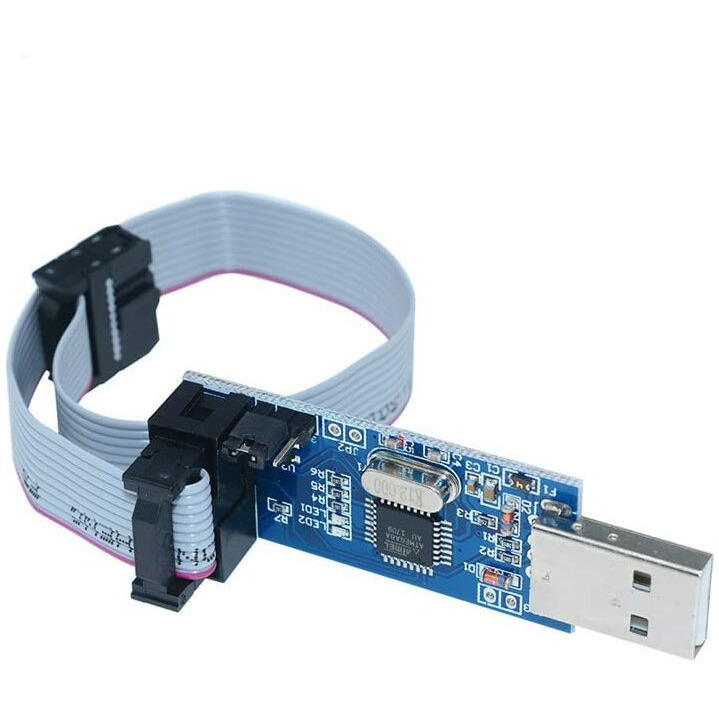
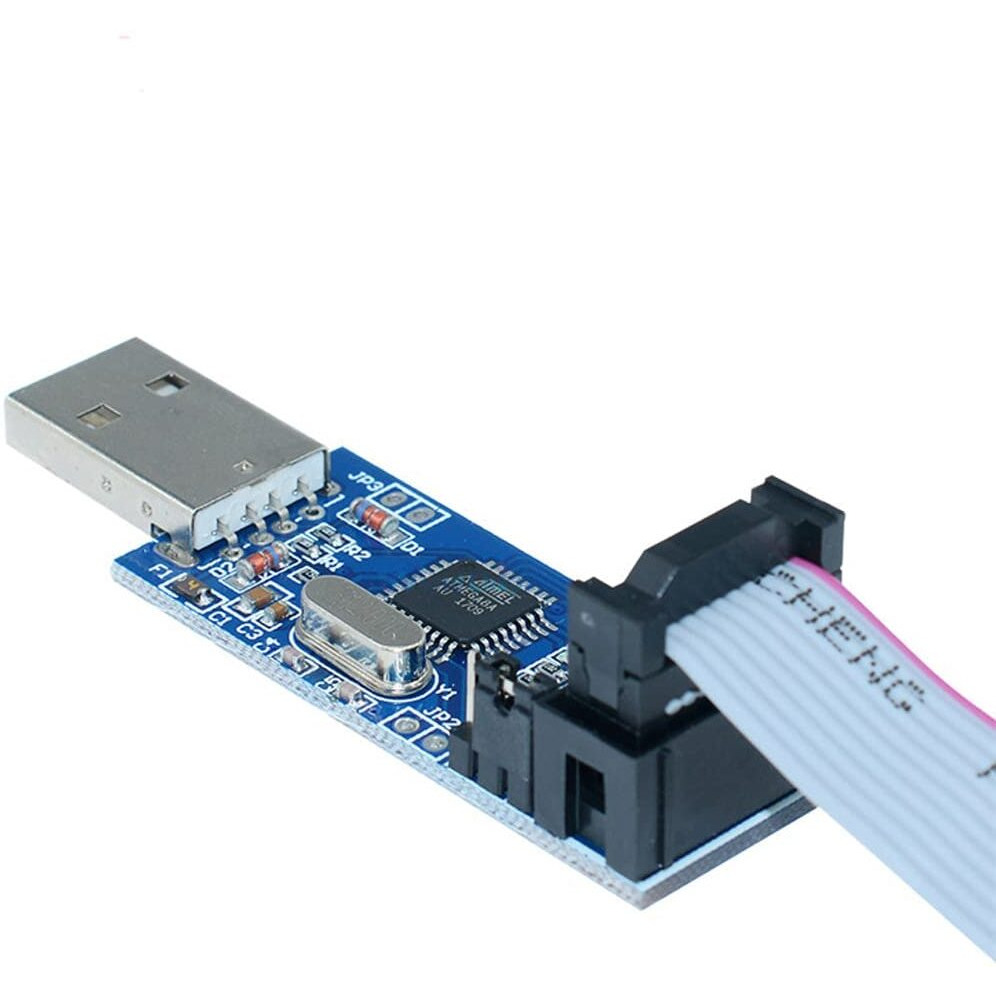
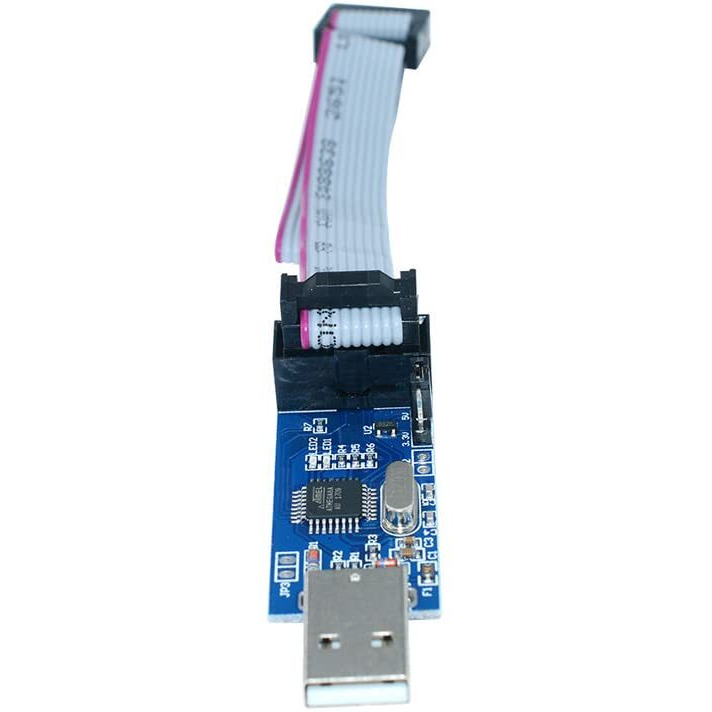
1* 51 Avr Atmega8 Programmer Usbasp
1* 10P Data Cable
Tips:
1.For Windows Users You Will Have To Disable Your Driver Verification To Install The Required Drivers.
2.It Is A 10Pin Connection.( You Will Need To Make An Adapter To 6 Pin If Using It For An Arduino Mega )
How To Use It?
1. Plug In Usbasp
2. Download Zadig From [Zadig. Akeo. Ie]
3. Start Zadig
4. Options > List All Devices
5. Select Usbasp From The Drop Down Menu
6. Select Libusbk(V3.0.7.0) Driver
7. Click Install
Actual product packaging and materials may contain more and/or different information than that shown on our website. We recommend that you do not solely rely on the information presented and that you always read labels, warnings, and directions before using or consuming a product.
For additional information about a product, please contact the manufacturer. Content on this site is for reference purposes and is not intended to substitute for advice given by a physician, pharmacist, or other licensed health-care professional. ZiFiti does not assume liability for inaccuracies or misstatements about products.
Statements regarding dietary supplements have not been evaluated by the FDA and are not intended to diagnose, treat, cure, or prevent any disease or health condition.