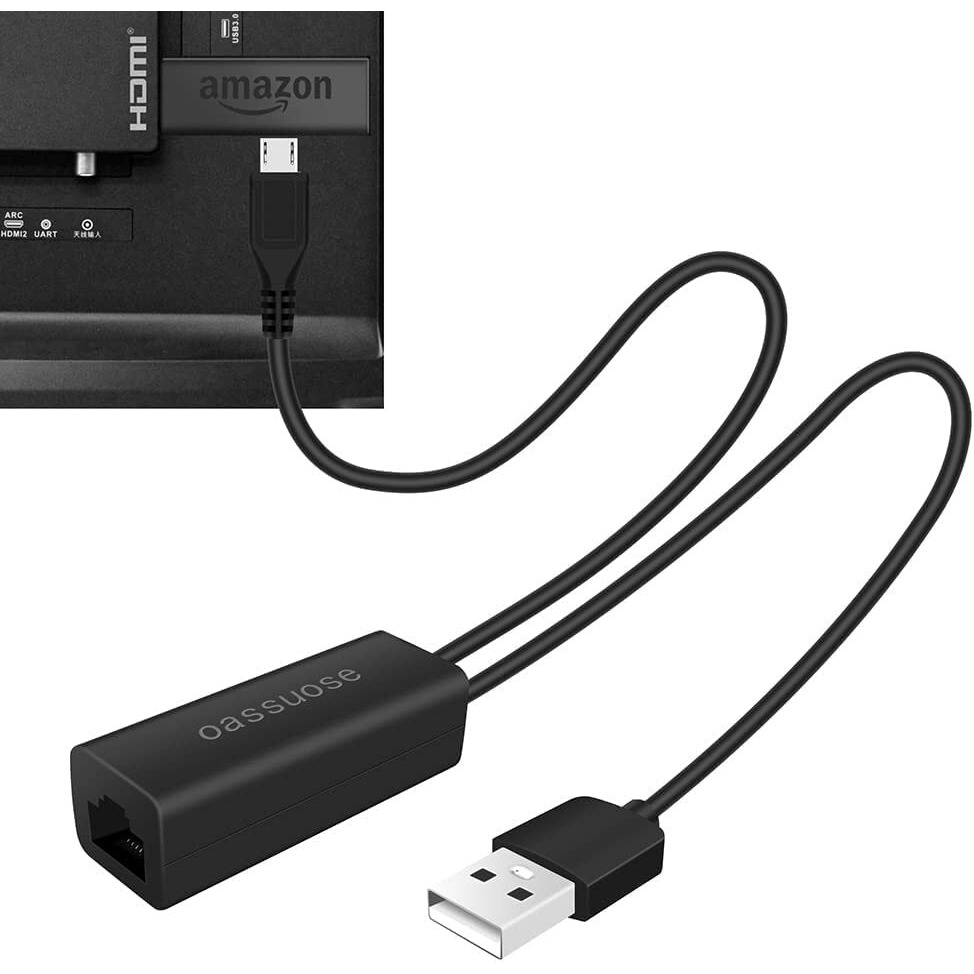
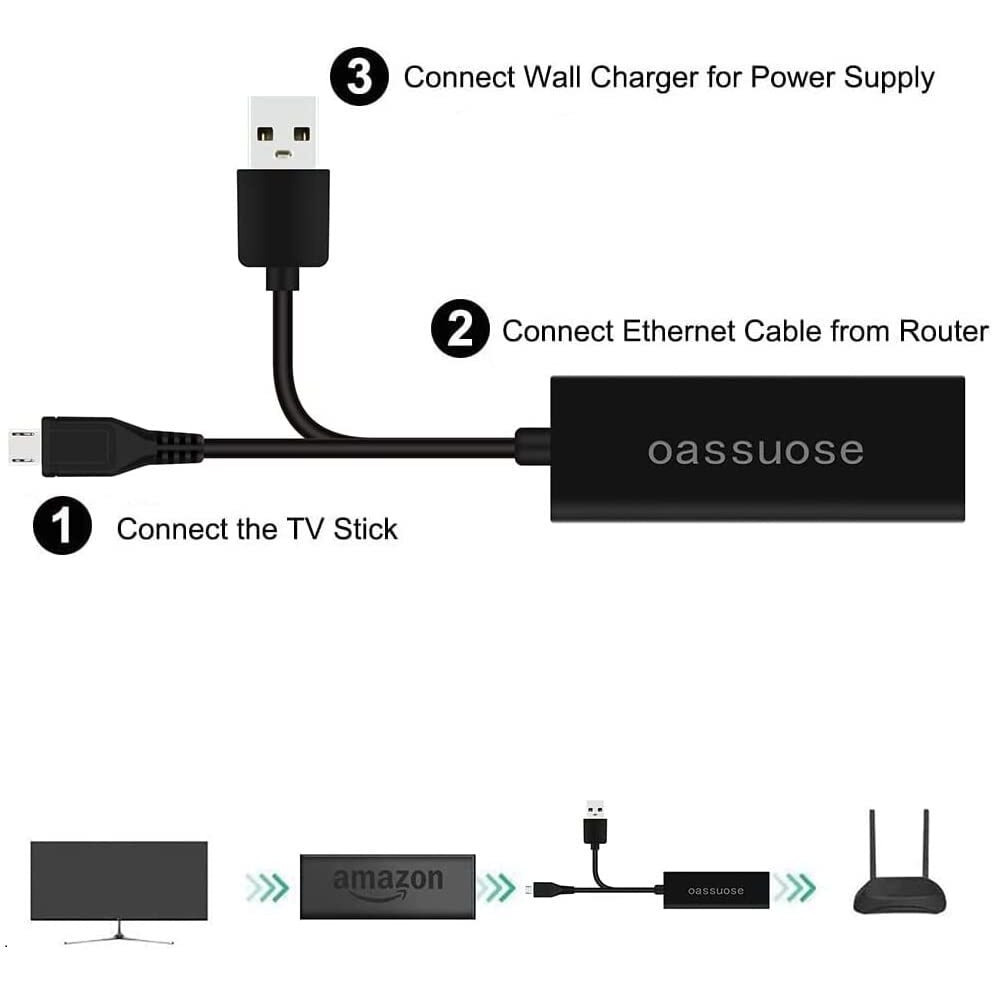
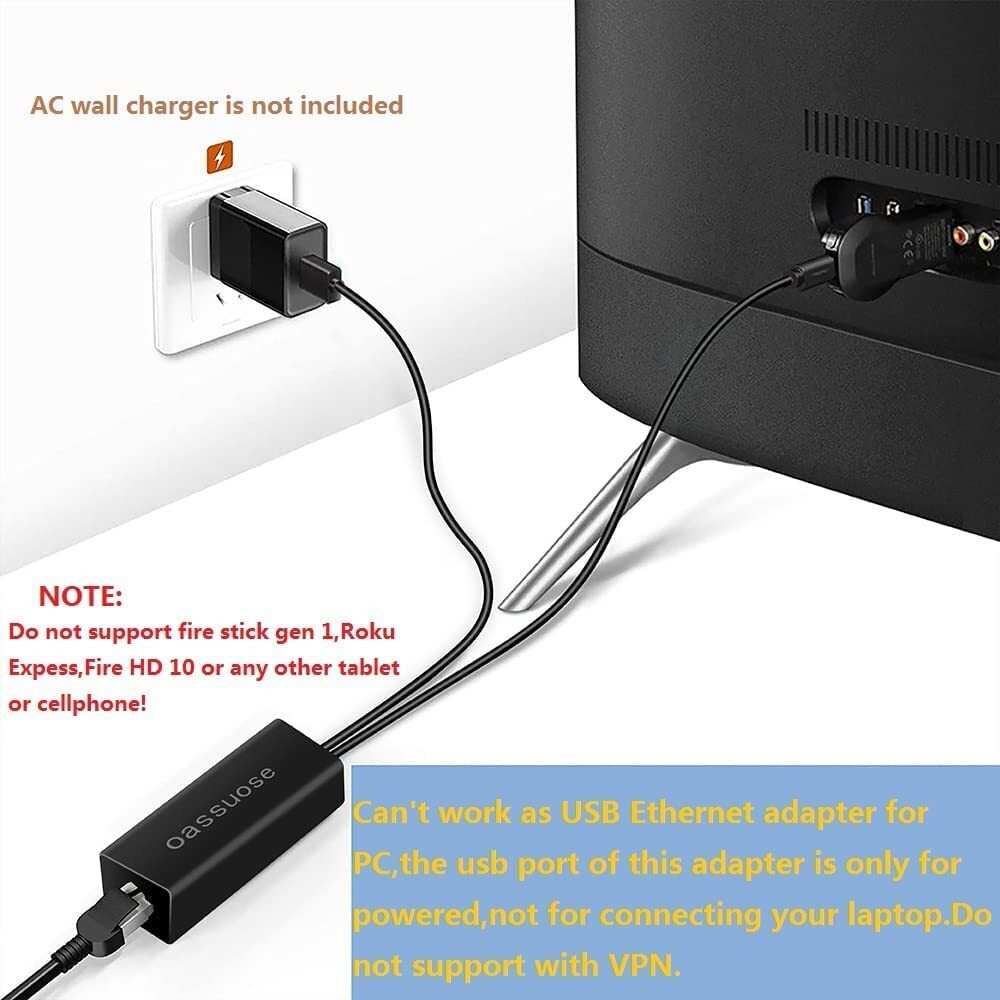
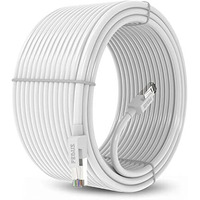
&Nbsp; &Nbsp;How To Connect An Ethernet Adapter To Tv Stick/Chromecast? Simply To Set Up And Start Streaming In Minutes, Just Plug And Play. Step 1: Plug The Micro Usb Male Connector Into The Tv Stick/Chromecast Female Connector, Making Sure It Fits In Place. Step 2: Plug The Usb A Cable Into Ac Power Adapter(5V/1A).&Nbsp; Step 3: Connect Ethernet Cable To Rj45 Port. Step 4: Plug The Tv Stick/Chromecast Into Your Tv'S Hdmi Input. Step 5: Wired Network Connection Can Be Made Automatically After Power On, And Wonderful Enjoyment Can Be Started. &Nbsp; &Nbsp;Specifications And Parameters: * Ethernet Chipset: Realtek Rtl8152B * Rj45 Ethernet Port: 10/100 Mbps
* Usb A Port: Power Supply Only (No Data Transfer ) * Cable Length: Micro Usb Cable 3.3Ft,Usb Power Cable 3.3Ft&Nbsp; * The Internet Connection Is Fast And Stable, Solving Problems Such As Weak Signal And Buffering. * No More Signal Interfernce When Using Wifi Against Other Wireless Signal Such As Bluetooth * Plug And Play, No Drive Progarm And Application Required, Easy To Set Up * Compatible With Micro Usb Tv Stick, Chromecast Ultra/2/1/Audio,Google Home Mini, Raspbbery Pi Zero Etc. &Nbsp;Note: 1.&Nbsp; Tv Stick That Supports Otg Function,Ethernet Adapter Is Designed For Use Only With Chromecast Devices And The Tv Sticks Supporting Ethernet Through Micro Usb Port. 2.&Nbsp; Please Be Sure That The Other End Of Your Ethernet Cable Is Connected To A Functioning Router That Has Internet Connectivity. 3.&Nbsp; Ethernet Adapter Usb A Port Power Supply Only (No Data Transfer ). What Is In The Package?
1*Usb2.0 To 10/100Mbps Ethernet Adapter<
Actual product packaging and materials may contain more and/or different information than that shown on our website. We recommend that you do not solely rely on the information presented and that you always read labels, warnings, and directions before using or consuming a product.
For additional information about a product, please contact the manufacturer. Content on this site is for reference purposes and is not intended to substitute for advice given by a physician, pharmacist, or other licensed health-care professional. ZiFiti does not assume liability for inaccuracies or misstatements about products.
Statements regarding dietary supplements have not been evaluated by the FDA and are not intended to diagnose, treat, cure, or prevent any disease or health condition.