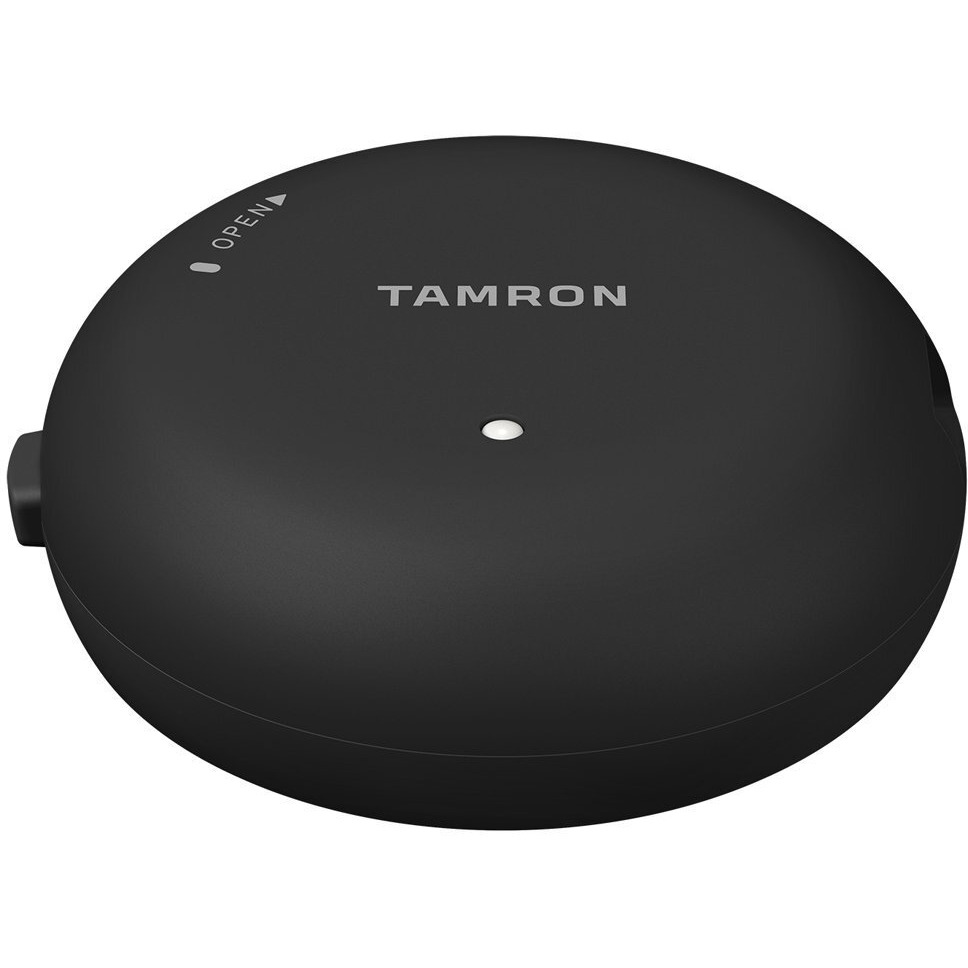
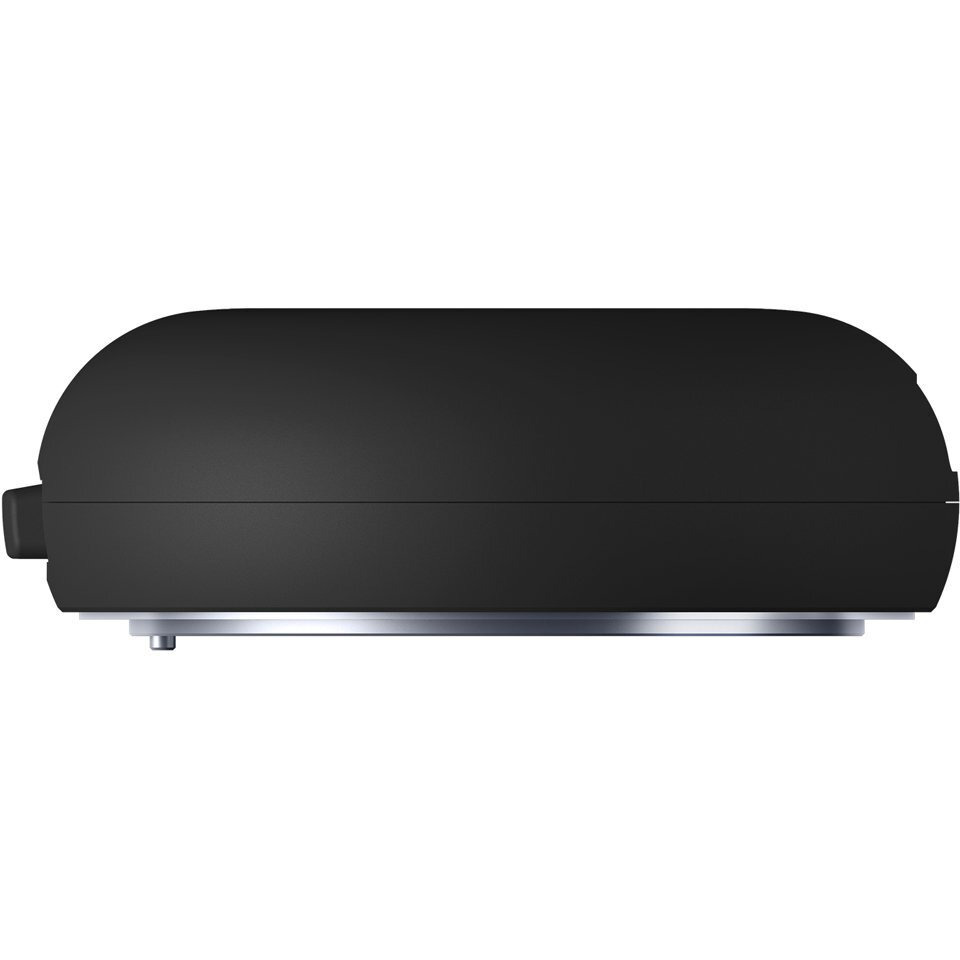
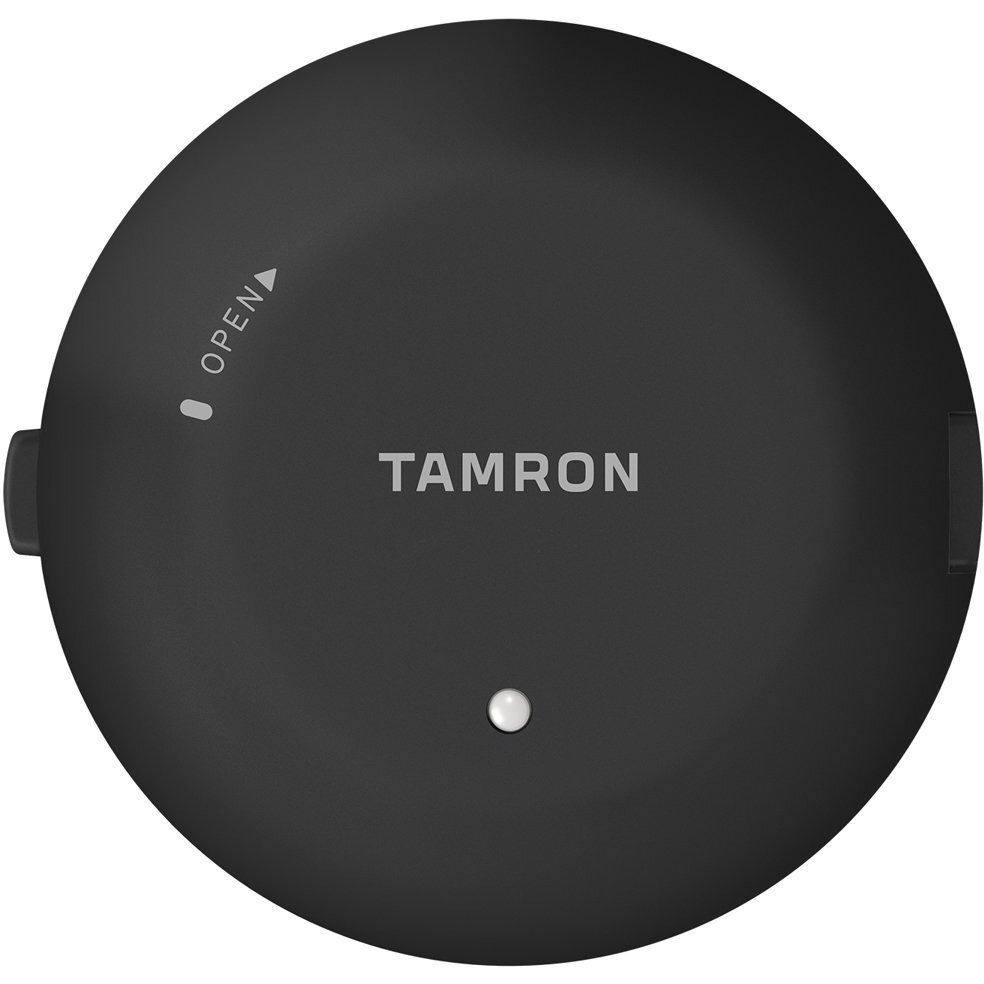
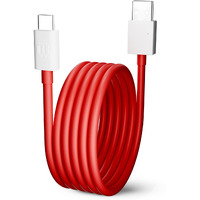
You Can Now Update Firmware In Selected Tamron Lenses And Customize Various Lens Functions Simply By Attaching A Tamron Tap-In Console And Running The Tamron Tap-In Utility Software. Using The New Accessory And An Internet Connection You Can Access A Dedicated Website And Update Firmware. In Addition Selected Lenses Can Be Customized By Changing Settings To Match Your Preferences. With A Tamron Tap-In Console You Can Do The Following Things. Update The Firmware Of Compatible Lenses Customize Functions Of Selected Lenses - Focus Adjustment - Focus Distance Limiter Customization (Only For Lenses That Have The Focus Limiter Feature) - Full-Time Manual Focus Override Customization (Only For Lenses That Have The Full-Time Manual Focus Feature) - Vc Adjustment (Only For Any Lenses With Vc) - Save Customized Data Files Download The Free Tamron Tap-In Utility And Install It On Your Mac Or Pc. Updating Firmware And Customizing Various Lens Functions Is As Easy As Connecting The Tap-In Console With A Usb Cable And Making Selections. Compatible Tamron Lenses (As Of February 2016) Sp 85Mm F/1.8 Di Vc Usd (Model F016) Sp 90Mm F/2.8 Di Macro 1:1 Vc Usd (Model F017) Sp 45Mm F/1.8 Di Vc Usd (Model F013): Initial Firmware Update By Tamron Service Facility Is Required To Enable Compatibility With The Tap-In Console. Sp 35Mm F/1.8 Di Vc Usd (Model F012): Launched In September 2015 Initial Firmware Update By Tamron Service Facility Is Required To Enable Compatibility With The Tap-In Console. Tap-In Utility Operating Environment Windows Mac Os Windows 10 Windows 8 Windows 8.1 Windows 7 Mac Os X 10.10 - 10.11 Cpu Core2Duo With 2.0 Ghz Or Faster Intel Processor Ram 1 Gb Or More 1 Gb Or More Hard Disk Drive Capacity 1 Gb Or More Of Available Space 1 Gb Or More Of Available Space Monitor Display Resolution 1024 ? 768 Pixels (Xga) Or More 24-Bit Color Or More 1024 ? 768 Pixels (Xga) Or More 24-Bit Color Or More Interface Usb 2.0 As Standard Feature Usb 2.0 As Standard Feature
Actual product packaging and materials may contain more and/or different information than that shown on our website. We recommend that you do not solely rely on the information presented and that you always read labels, warnings, and directions before using or consuming a product.
For additional information about a product, please contact the manufacturer. Content on this site is for reference purposes and is not intended to substitute for advice given by a physician, pharmacist, or other licensed health-care professional. ZiFiti does not assume liability for inaccuracies or misstatements about products.
Statements regarding dietary supplements have not been evaluated by the FDA and are not intended to diagnose, treat, cure, or prevent any disease or health condition.